

Written & reviewed by SEO expert & professional consultant Oscar Scolding , with over 10 years of experience consulting for brands such as GITEX, Amazon, The Mountain Company & more.
After more than ten years working in SEO and completing more than 450 website audits, I still use free platforms alongside paid software. Expensive tools can save time and provide more data, but paying more does not automatically lead to better decisions.
The best free SEO tools I still use are Google Search Console, Microsoft Clarity, Google Analytics 4, the genuinely free tools available from Mangools, and the free version of Yoast SEO.
None of them will do your SEO for you. That is probably for the best, because a dashboard with several colourful graphs is not a strategy. Used properly, though, these tools can show you how people find your website, what they do after arriving, and whether those visits produce leads or sales.
My free SEO toolkit
| Tool | What I use it for | Best place to start |
| Google Search Console | Google visibility, queries, clicks and indexation | Find pages with high impressions but weak clicks |
| Microsoft Clarity | Heatmaps, recordings, user frustration and AI visibility | Review important landing pages |
| Google Analytics 4 | Traffic quality, key events and revenue | Connect organic visits to business outcomes |
| Mangools free tools | SERP previews, location checks and AI-search checks | Test titles and descriptions before publishing |
| Yoast SEO | WordPress metadata, sitemaps and on-page checks | Configure the basics, then use judgement |
1. Google Search Console is still the best free SEO tool
If I could choose only one free tool, I would choose Google Search Console.
Its Performance report includes clicks, impressions, click-through rate and average position, with breakdowns for queries, pages, countries and devices. Google also provides indexation and URL inspection tools to help you understand whether important pages are discoverable and indexed. You can review the reports in Google’s official Search Console guidance.
How I use it
I start with practical questions rather than opening every report and hoping something useful appears.
Which pages receive plenty of impressions but too few clicks?
These pages may need a clearer title, description or better alignment with search intent.
Which queries sit just outside the strongest positions?
Queries around positions five to fifteen can reveal realistic opportunities. Check whether the page answers the query properly and has enough internal support.
Which important pages are losing clicks?
Compare recent performance with the previous period or year, then review the affected queries and devices before changing anything.
Can Google index the pages that matter?
The URL Inspection tool can show whether a URL is indexed and provide crawl information. For wider crawlability, indexation or site-structure problems, I would combine this with a proper technical SEO review.
Search Console also includes simpler progress features. I have explained how to use Google Search Console Achievements without mistaking a click milestone for a commercial KPI.
2. Microsoft Clarity shows what visitors actually do
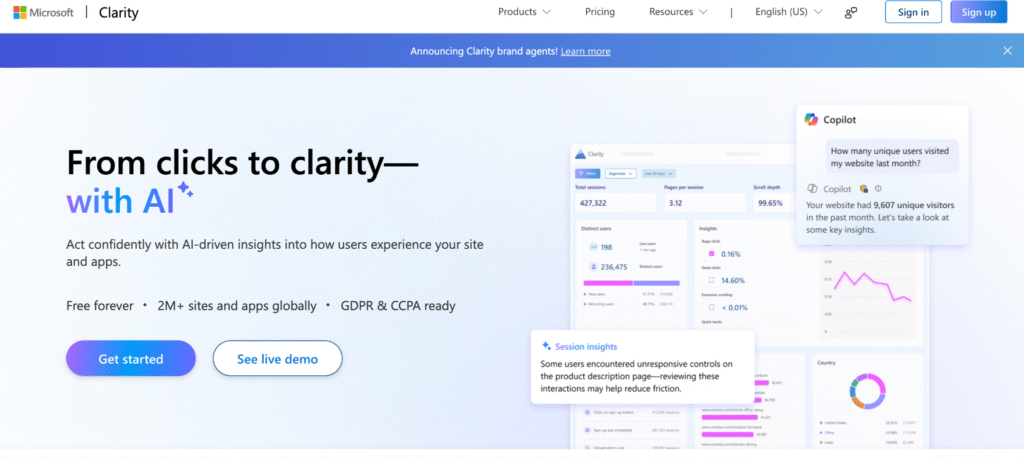
Search data tells you how someone reached a page. Microsoft Clarity helps you understand what happened next.
Its free heatmaps show where people click and how far they scroll. Session recordings let you review anonymised journeys, while frustration indicators can draw attention to repeated or unproductive interactions. Microsoft provides an overview of its Clarity heatmaps.
This matters because a page can rank well and still perform badly.
How I use it
Start with commercially important pages such as service pages, forms, checkout steps and high-traffic landing pages with weak conversion rates. Look for missed calls to action, repeated clicks and mobile layout problems.
One confused visitor may mean very little. Twenty visitors struggling in the same place deserves attention.
Clarity becomes more valuable when combined with conversion rate optimisation. Search Console may show that a page attracts demand, while Clarity helps explain why that demand is not turning into enquiries.
The newer AI Visibility features
Clarity now includes AI Visibility reporting. Microsoft documents a Citation dashboard for tracking when pages are referenced in AI-generated answers, plus Bot Activity reporting based on supported server or CDN integrations.
There is an important distinction. Microsoft states that bot activity shows requests made to a website, not proof that content was retrieved, cited or displayed in an AI answer. Read the Bot Activity documentation before presenting crawler visits as success.
The Citation dashboard shows which pages are referenced. I would still connect citations to qualified visits, leads and wider brand visibility.
I have covered more of the practical foundations in my guide to optimising a website for ChatGPT.
3. Use Google Analytics 4 to connect SEO with results
Google Analytics 4 answers a different question from Search Console.
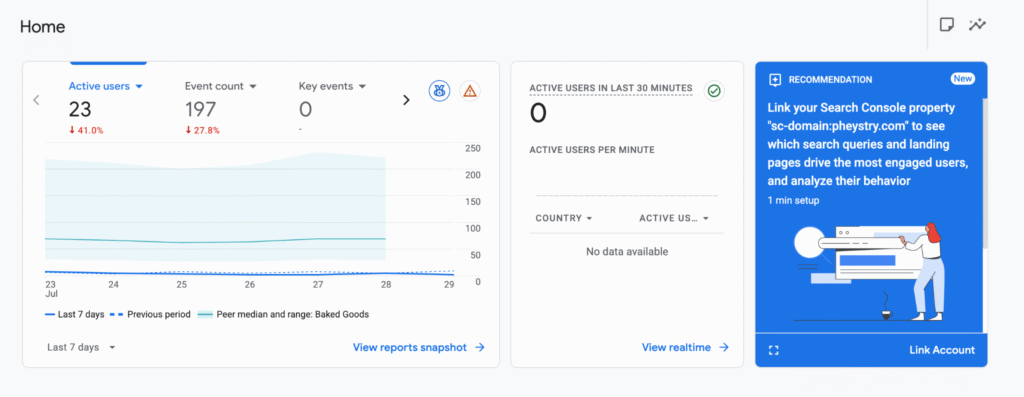
Search Console measures performance within Google Search. GA4 shows what people do after arriving, including the pages they visit and actions they complete.
Google describes Analytics as a no-cost way to understand the customer journey from first visit to purchase in its setup guidance.
How I use it
I begin with three areas.
Organic landing pages: Compare entry-page traffic with key events and revenue. A page generating 5,000 visits and no enquiries may be less valuable than one generating 300 visits and ten qualified leads.
Key events: Track meaningful actions such as completed forms, booked consultations, purchases or phone-number clicks. Do not mark every minor interaction as a success. Opening an accordion is not normally comparable with submitting a qualified enquiry.
Traffic quality: Compare performance by device, location and landing page to see whether the site attracts the customers the business wants.
Attribution is not perfect, and analytics should not be treated as an exact account of every customer journey. It is still more useful than judging SEO only by rankings.
As an SEO consultant in Dubai, I care about visibility, but I care more about whether the right visibility contributes to leads, sales or revenue.
4. The Mangools Free SEO Tools are useful for quick checks
Mangools is slightly different from the first three platforms.
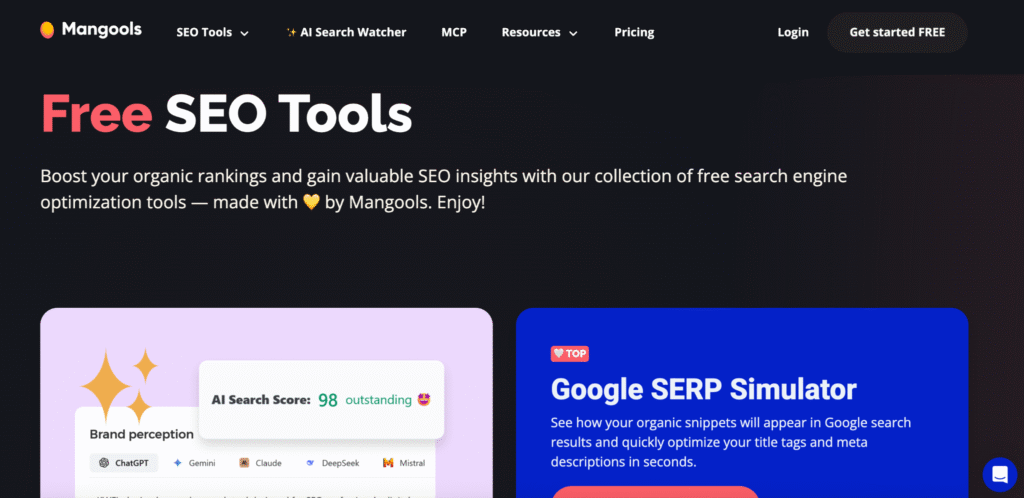
Its main SEO suite is paid, so I would not describe the entire product as free. However, it offers genuinely free mini-tools, including a SERP simulator, location changer, AI Search Grader and volatility checker. The current selection is listed on the Mangools free-tools page.
The SERP simulator previews title tags and meta descriptions, helping expose unclear or unhelpful snippets before publication.
The location changer helps check results from another place, which is useful for Dubai businesses targeting specific areas.
The AI Search Grader provides a quick snapshot of brand visibility across AI platforms. I would use it as a starting point for investigation, not as a final measurement framework.
Mangools also offers paid keyword-research functionality. When comparing paid platforms with free keyword research tools, remember that free estimates are usually limited. Search Console shows the real queries already producing impressions for your website, but it will not reveal every opportunity you do not currently rank for.
5. Yoast SEO is useful, but the green light is not the strategy
For WordPress websites, the free version of Yoast SEO remains practical for basic on-page and technical settings.
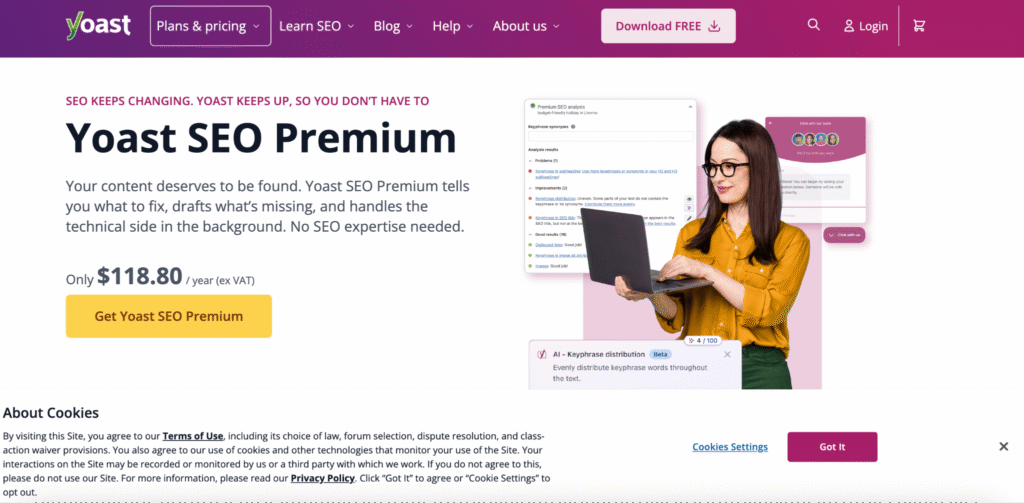
Yoast can create XML sitemaps, support schema output, help manage titles and descriptions, and provide SEO and readability checks inside WordPress. Its site-features documentation explains the available settings.
The plugin is useful. It is not an SEO consultant living inside your WordPress dashboard.
I use it for metadata, sitemap settings, basic schema and readability checks. I do not rewrite a good sentence because a plugin wants another keyword mention, or assume a page is ready because every indicator is green.
A plugin cannot judge whether a page targets a commercially useful search, whether the advice is original, whether the website structure makes sense or whether the visitor has a reason to trust the business.
For complicated plugin, theme, performance or indexation issues, the wider WordPress SEO setup matters more than an individual score.
How I combine these tools into one weekly process
The value comes from using the tools together.
- Use Search Console to find a page with declining clicks, weak click-through rate or realistic query opportunities.
- Review GA4 to see whether the page attracts useful visitors and contributes to key events.
- Open Clarity to check whether visitors understand the page and use the main call to action.
- Use a Mangools preview or location tool when you need to review the search result or local context.
- Make the agreed WordPress changes through Yoast where appropriate.
- Record what changed, why it changed and which metric should improve.
This prevents random activity.
Publishing another article may be right. Improving an existing service page may be better. Sometimes the most valuable decision is fixing a form that nobody can complete comfortably on a phone.
That is why I treat tools as evidence, not instructions. The same principle applies to content marketing. More output is not automatically more progress.
When free tools are not enough
These free SEO tools cover a substantial amount of day-to-day work, but they have limits.
A large website may need paid crawling software, backlink data, rank tracking or log-file analysis. Paid platforms can also reduce the time needed to analyse thousands of URLs.
The decision should depend on the problem. A ten-page local business website probably does not need an enterprise platform with 47 dashboards. A large ecommerce site with hundreds of thousands of URLs probably needs more than a plugin and a spreadsheet.
Before paying for another subscription, be clear about the question the tool must answer and what you will do with the information.
Save my recommended toolkit
Save this list as a simple starting point:
- Google Search Console for search performance and indexation
- Microsoft Clarity for user behaviour and AI visibility
- Google Analytics 4 for traffic quality, key events and revenue
- Mangools free tools for focused SERP, local and AI-search checks
- Yoast SEO for WordPress implementation and on-page controls
Five platforms reviewed every week will normally teach you more than 25 accounts opened once and forgotten.
Final thoughts
The best free SEO tools provide useful evidence, but the value comes from knowing what to investigate and what to prioritise.
Start with Search Console. Connect it to analytics and user-behaviour data. Use the smaller tools for specific tasks, then judge every recommendation against the website’s commercial objectives.
When the data is available but you are still unsure what is holding your website back, book a consultation and I can help you identify the changes most likely to improve visibility, leads and revenue.
Frequently asked questions
What is the best free SEO tool?
For most websites, Google Search Console is the best starting point because it provides direct information about Google Search performance, queries, pages and indexation.
Are free SEO tools enough for a small business?
They can be enough to establish a strong initial process. The most useful SEO tools for small businesses should measure visibility, user behaviour and conversions. Paid software becomes worthwhile when the website’s scale exceeds what free platforms can handle efficiently.
Can I do keyword research without paying?
Yes, but expect limitations. Search Console, search results and some free keyword research tools can help identify ideas. A paid database is usually more efficient for broad market coverage, competitor research or large keyword sets.
Do I need both Search Console and GA4?
Yes. Search Console focuses on performance in Google Search, while GA4 measures activity on the website after a visitor arrives.
Is Yoast enough to optimise a WordPress website?
No. Yoast SEO makes several technical and on-page tasks easier, but it does not replace keyword research, useful content, technical review, internal linking, user experience or commercial judgement.